


Make system knowledge accessible
ERP, office and other business systems are connected to suit the use case.
Suggestions appear from three characters.
No match. Try another term or choose a topic below.
Validate the controller against a model
The topic area at a glance
Customers we work for
Joint projects and their results
Working at IQstruct Engineering
ISO 9001 and TISAX
Alliances, associations, marketplaces
Quality policy and certificate

Connect assistants with ERP, office applications and existing data sources.
An isolated chat does not automatically know the operational context. Employees transfer content by hand while the actual work takes place in other applications.
IQstruct Engineering develops the connections required between AI and existing systems. API clients and MCP servers open up data and functions within the agreed scope. Authentication, roles, costs and place of operation are considered together with the business task.
In a free first conversation we clarify in which system the result is to appear and which interface that system offers.
ERP, office and other business systems are connected to suit the use case.
Data access and permitted actions are defined separately.
Concept, implementation and service can be commissioned as one coherent service.
IQstruct Engineering develops the connections between AI and existing IT, cloud and software landscapes.
API clients and our own MCP servers open up data and functions within the agreed scope, for example from Microsoft 365 or HubSpot. Integration can take place via the interface of a cloud tool or via direct APIs and customer-specific clients.
Authentication, roles, costs and place of operation are considered together with the business task. Software development and IT/OT complement the AI function where custom interfaces or local infrastructure are needed; after the first demonstration, the integration remains a supported system.


Integration
Assistants reach ERP, office applications and existing data sources within the released scope.
 Ai
Ai1
Record AI needs
Those responsible discuss tasks and suitable use cases.
 Ai
Ai2
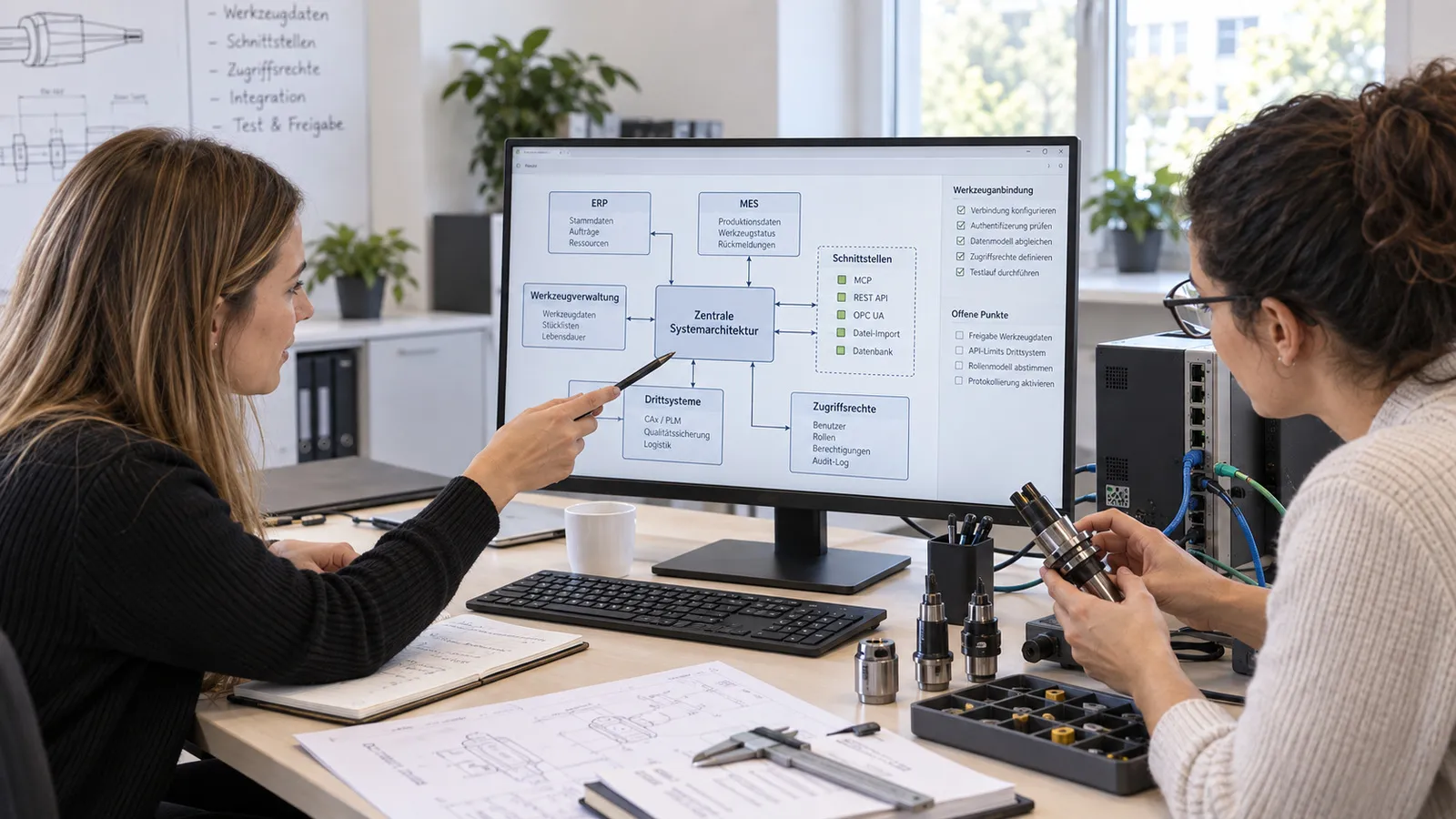
Plan tool connections
ERP, third-party systems, access rights and MCP or API connections are reviewed in one architecture.
 Ai
Ai3
Connect tools
MCP servers or plugins are developed and configured.
 Ai
Ai4
Use connected tools
An approved AI-assisted ERP query returns a result that the user checks.
Management and securing of access to models and services.
Controlled connection of agents with tools and data sources.
Selection and integration of the suitable working environment for AI.
Funding
Funding programmes may be available for consulting on and trialling your AI project.
IQstruct Engineering supports the survey, the project outline and the preparation of the application documents. Your company submits the application. Whether and to what extent funding is possible depends on the programme, the location and the project.
We are glad to answer your detailed questions in a personal conversation.
Read access and write actions are released separately. Changes in ERP or other business systems only take place within the defined framework.
ERP, office and other business systems, for example Microsoft 365 or HubSpot.
In the cloud, in your environment or locally, coordinated with data requirements and costs.
Every industry has its particularities. That calls for a reliable partner who knows the requirements and delivers suitable solutions.
First conversation
Describe your task. We agree a date and discuss the possible project scope.
 Ai
Ai1
You request an appointment
 Ai
Ai2
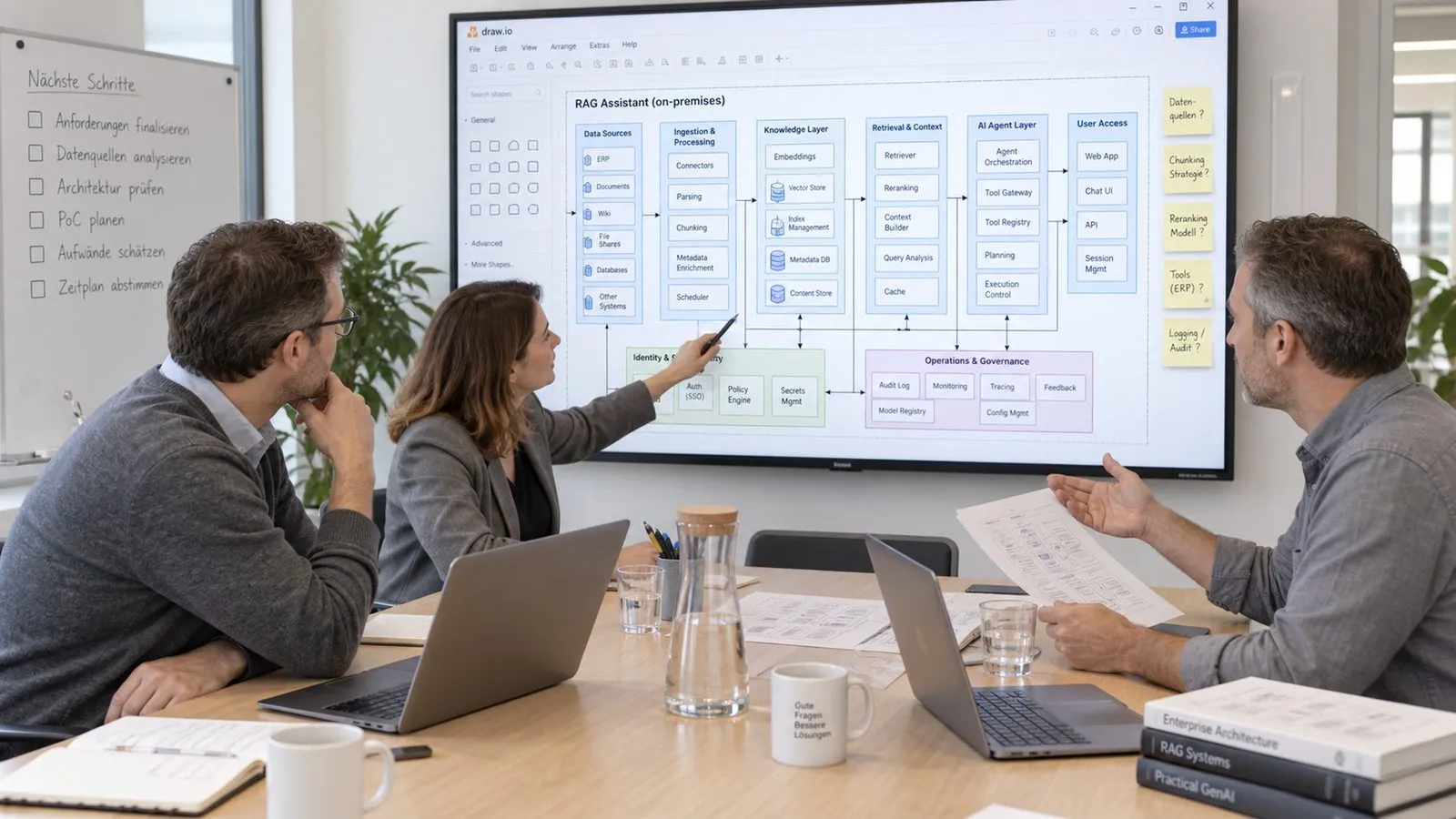
We discuss your requirements
 Ai
Ai3
You receive a quotation for the agreed scope

Describe your task in the contact form. We come back with a proposed date.
Arrange a first conversationBooking calendar
The booking calendar appears here. It loads only after your consent, because your browser connects to Microsoft in the process.
Discover further suitable services.
Connect new and existing systems via suitable APIs and customer-specific adapters.
Connect agent tasks with released data, tools and human review.
Plan models, hardware and support for AI in your own environment.
