


Provide functions at the place of use
Devices and operating sequences determine the application.
Suggestions appear from three characters.
No match. Try another term or choose a topic below.
Validate the controller against a model
The topic area at a glance
Customers we work for
Joint projects and their results
Working at IQstruct Engineering
ISO 9001 and TISAX
Alliances, associations, marketplaces
Quality policy and certificate
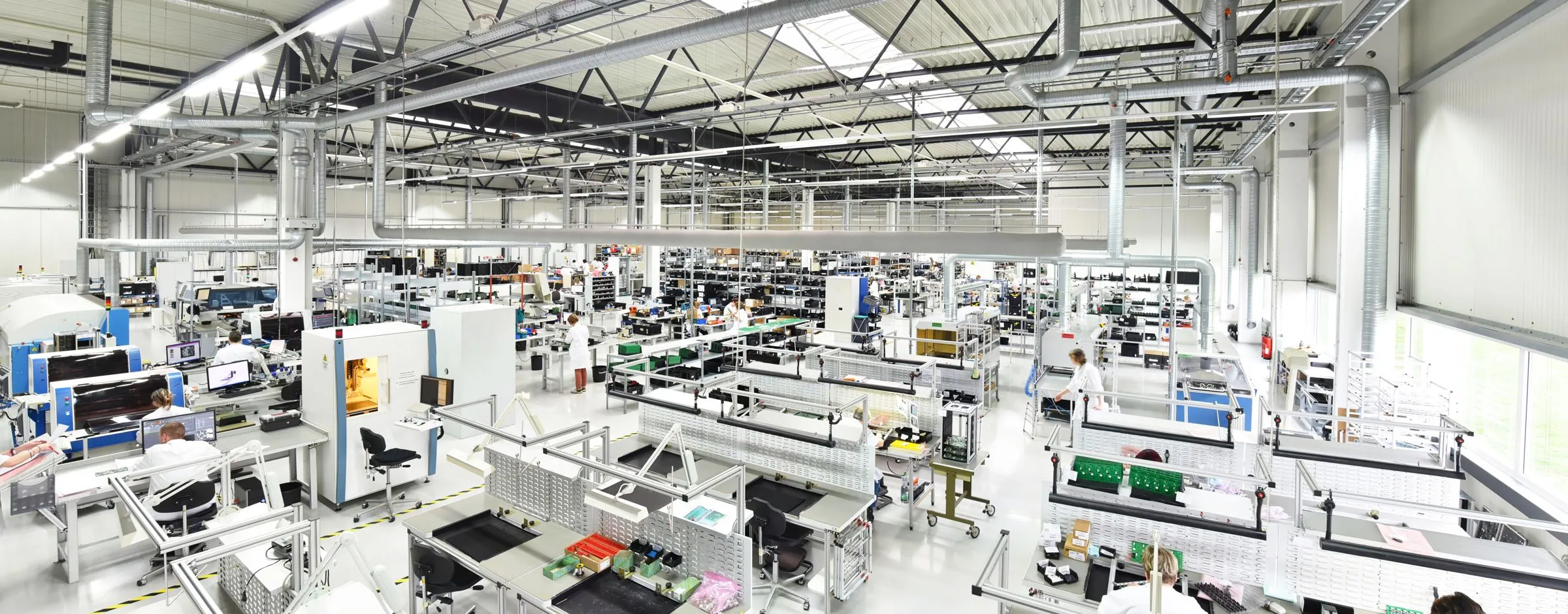
Desktop and mobile applications bring technical information directly to the place of work.
Conditions at the machine differ from those at an office desk: a changing connection, small displays or connected devices affect the operation. At the same time, data should not have to be entered again and permissions should remain in place. For a usable application, interface, connections and operating conditions have to be planned together. Distribution, updating and support are part of the development as well.
IQstruct Engineering develops functional industrial apps and desktop applications. Mobile applications for Android and iOS can complement backend and web projects and include push notifications. C# and .NET are used for desktop solutions; Flutter complements native mobile development.
In a free first conversation we clarify what the application needs at the device, whether it has to work without a connection and which systems it reaches.
Devices and operating sequences determine the application.
Apps are connected with the APIs and data sources of the overall solution.
Industrial support applications connect data storage and specific work tasks.
IQstruct Engineering develops functional industrial apps and desktop applications.
Mobile applications for Android and iOS complement backend and web projects and bring existing functions to the place of use, with push notifications on request. Whether native development or Flutter fits depends on the application and the device environment.
C# and .NET form the technical basis for industrial desktop tools. Data access is coordinated with the interfaces and permissions of the overall system. One example is a standalone tool management system in which measurement reports and settings are stored.

Desktop and mobile
Apps and desktop tools use the same services as the rest of the solution.
 Ai
Ai1
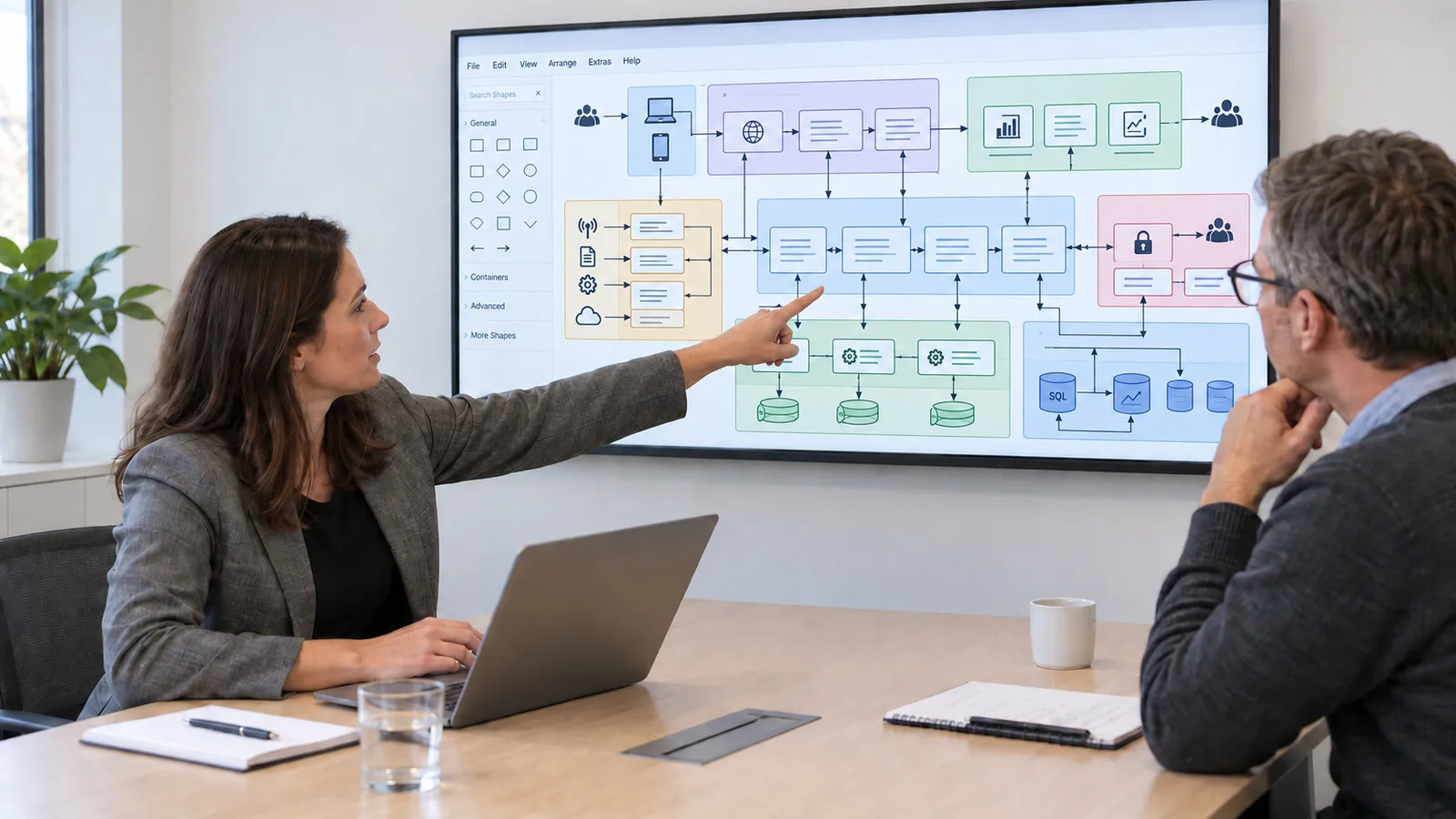
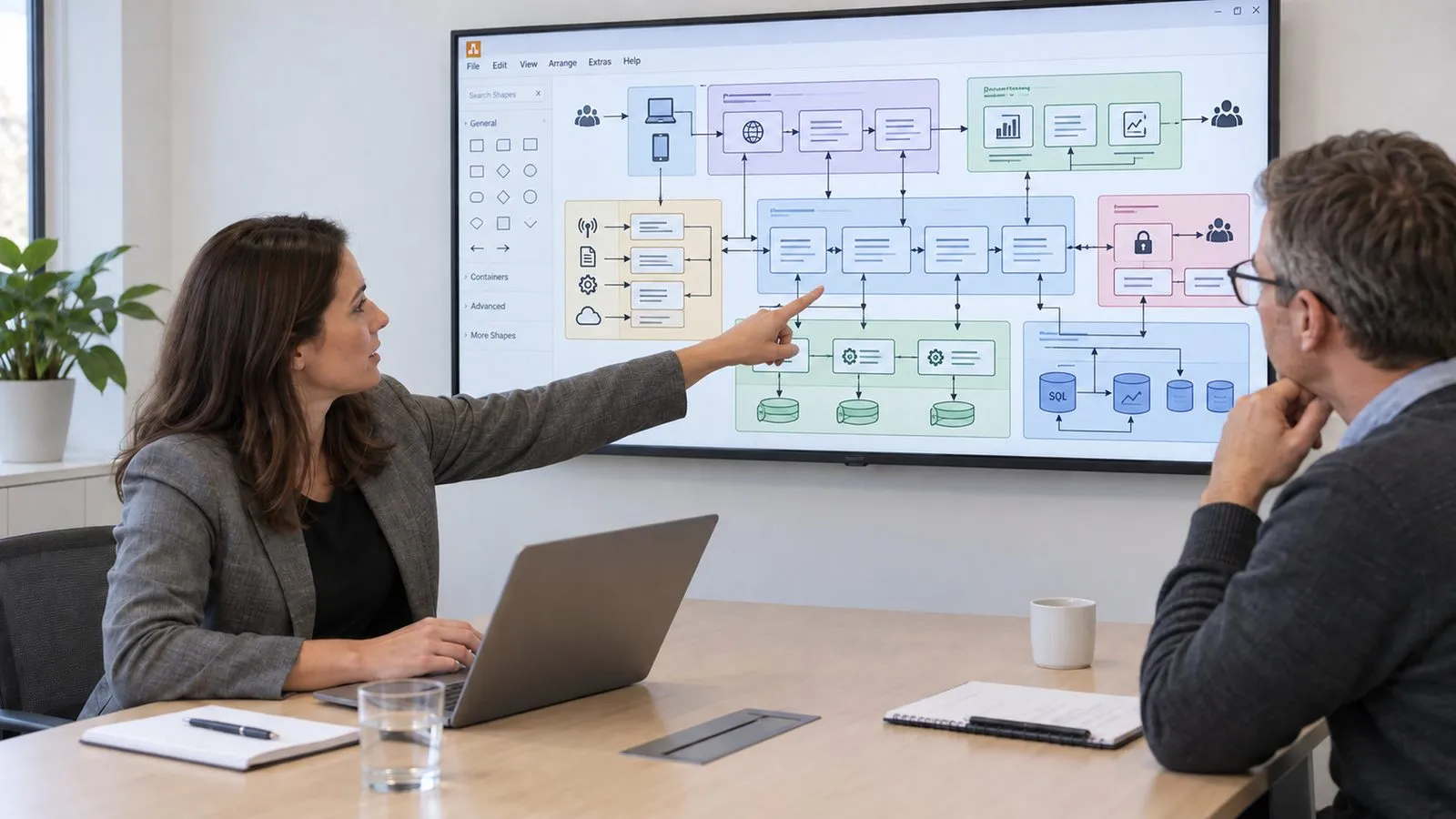
Plan the software architecture
Components, interfaces and data paths are defined in an architecture diagram.
 Ai
Ai2
Develop and test
Code, automated tests and reviews are created together.
 Ai
Ai3
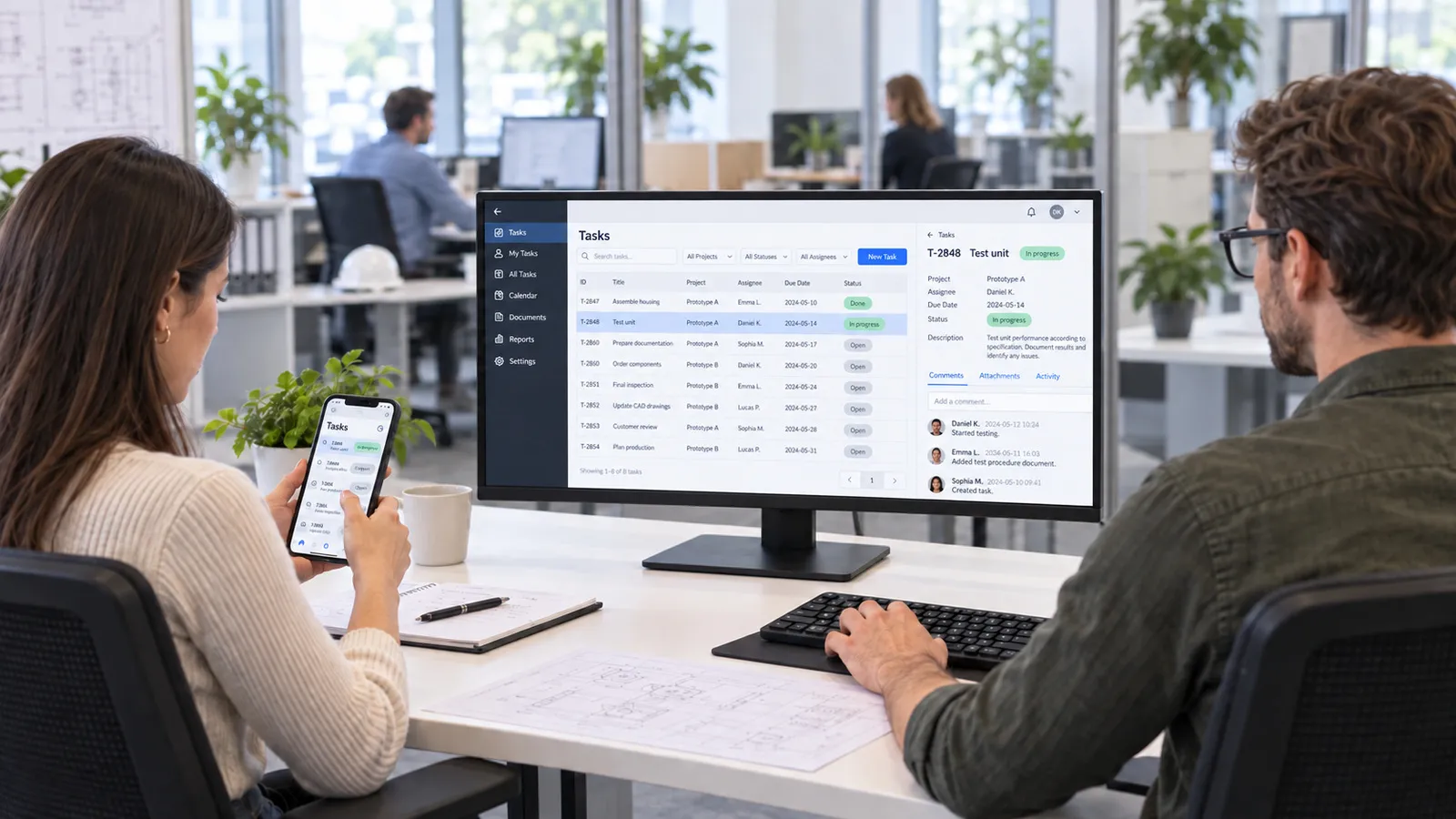
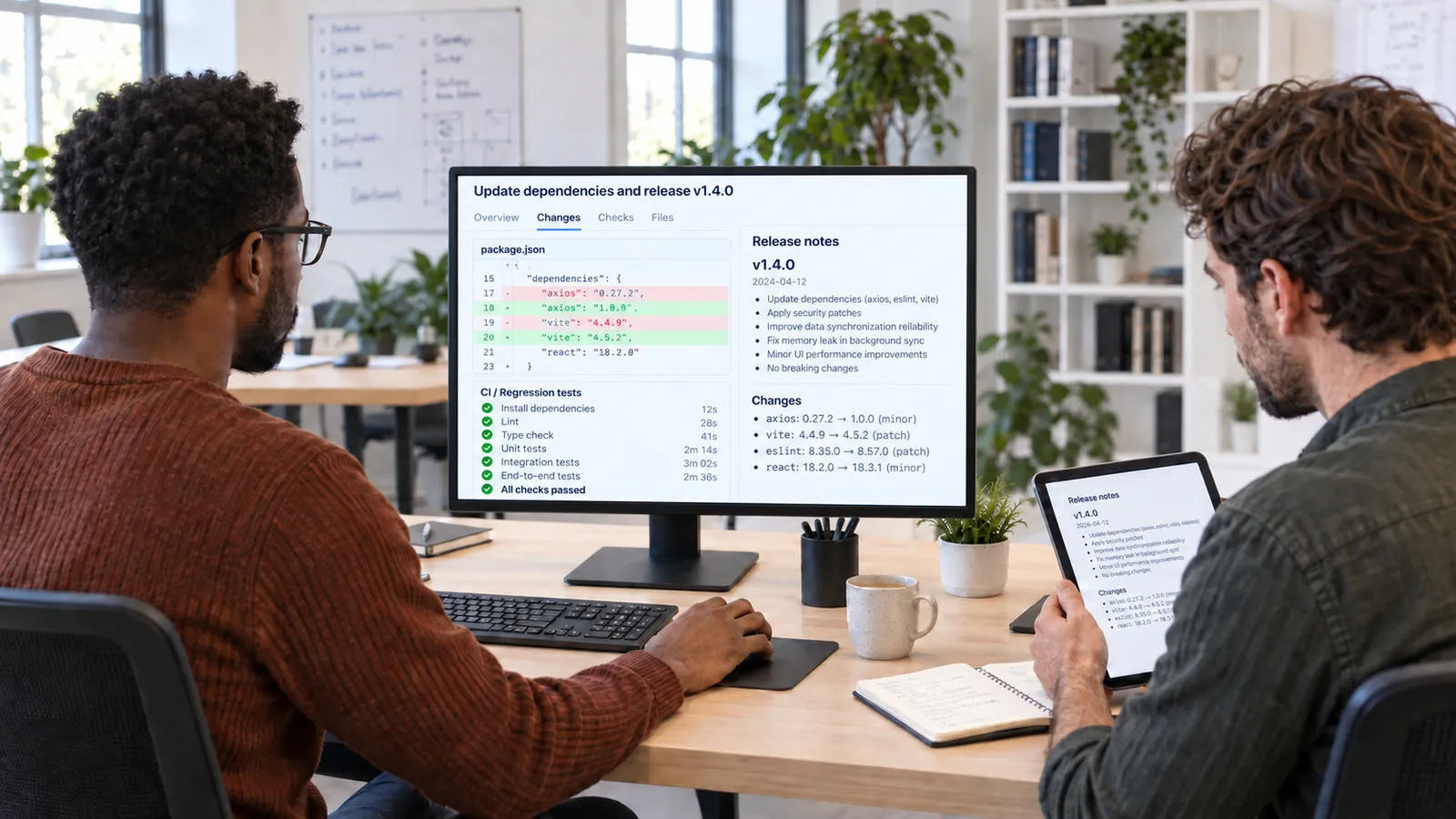
Use desktop and app
Windows application and mobile view access the same services.
 Ai
Ai4
Update the software
Library changes, security updates and versions are checked and applied.
Native development for smartphones and tablets.
Cross-platform apps with a shared code base.
Desktop tools for industrial workplaces.
Project experience
Route cards and technical information are kept in applications instead of on paper.
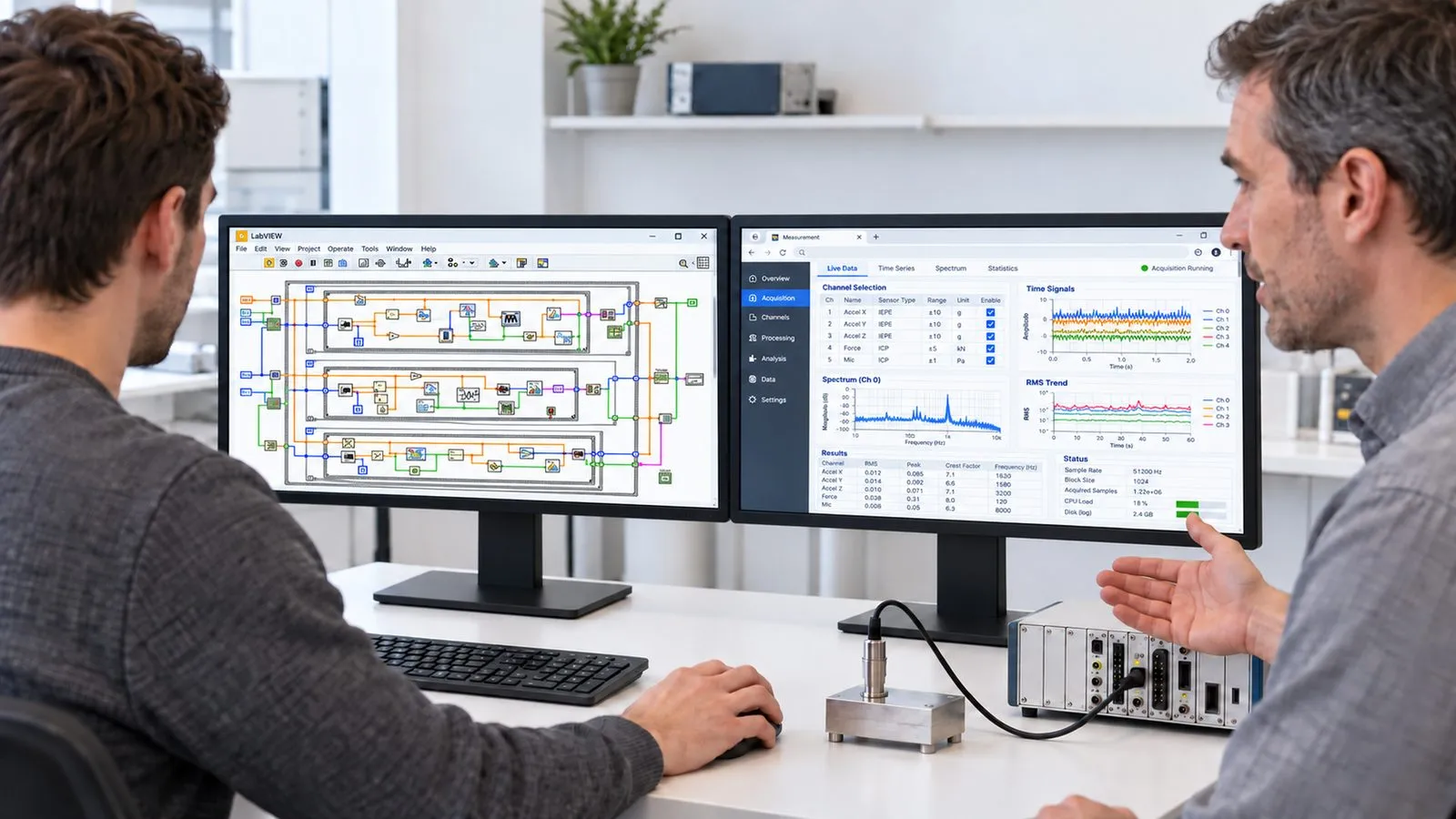
IQstruct Engineering has digitised a route card procedure that was previously handwritten and developed a tool management system for measurement records and settings. Applications like these connect the technical task with structured data storage. Interfaces and operation have to match so that information stays available within the workflow. This experience complements the development of our own products such as Aurora, in which data acquisition, processing and a web interface come together.
We are glad to answer your detailed questions in a personal conversation.
We agree offline synchronisation per project, to suit the place of use and the data required.
Android and iOS for mobile applications; we define the desktop platform with you.
Yes. Apps are connected with the APIs and data sources of your existing solution.
Every industry has its particularities. That calls for a reliable partner who knows the requirements and delivers suitable solutions.
First conversation
Describe your task. We agree a date and discuss the possible project scope.
 Ai
Ai1
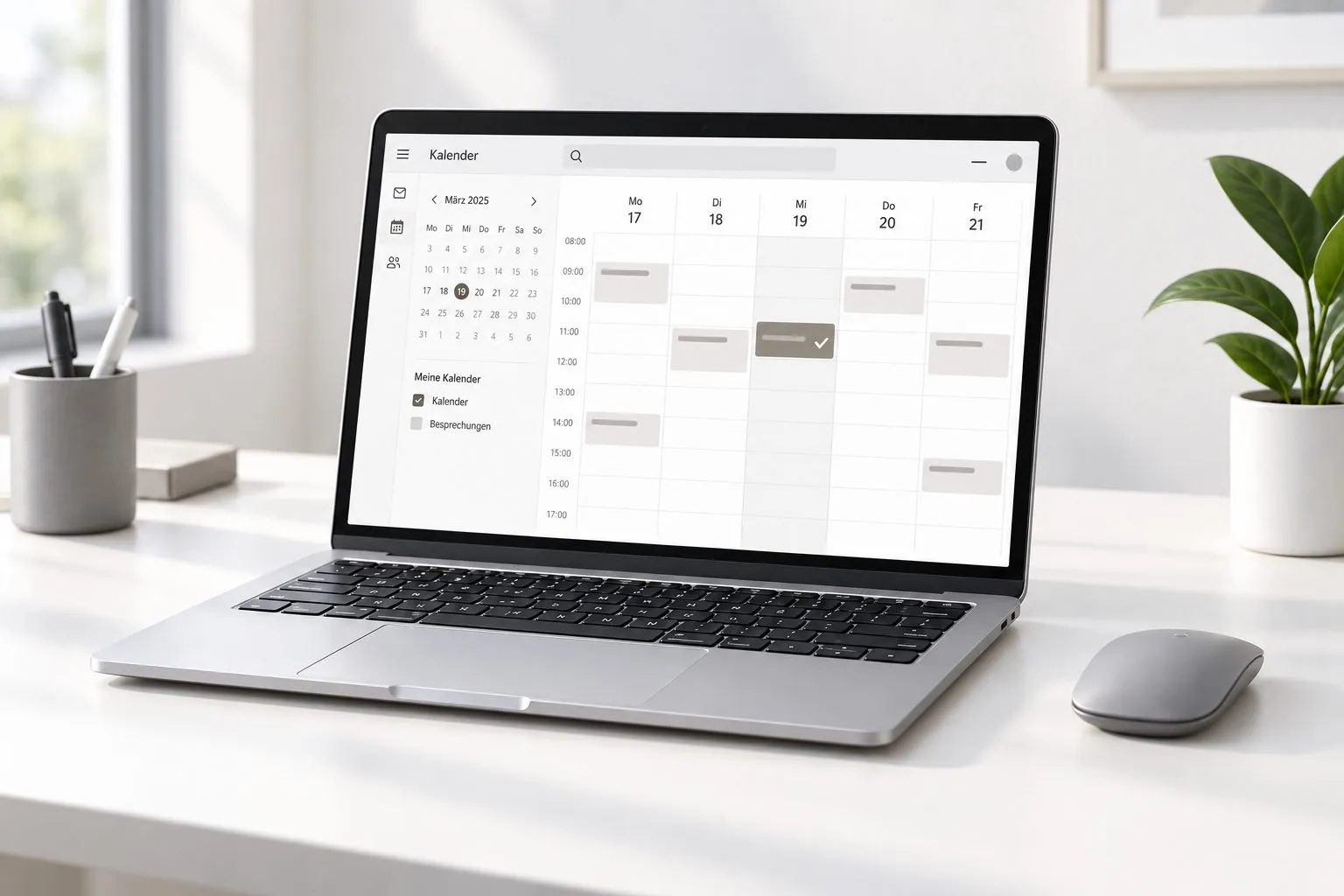
You request an appointment
 Ai
Ai2
We discuss your requirements
 Ai
Ai3
You receive a quotation for the agreed scope

Describe your task in the contact form. We come back with a proposed date.
Arrange a first conversationBooking calendar
The booking calendar appears here. It loads only after your consent, because your browser connects to Microsoft in the process.
Discover further suitable services.
Develop backend services that connect industrial data, business logic and applications.
Connect new and existing systems via suitable APIs and customer-specific adapters.
Combine dashboards, administration and business functions in one usable browser application.
