


Sign in to applications together
Single sign-on connects suitable systems with one central identity.
Suggestions appear from three characters.
No match. Try another term or choose a topic below.
Validate the controller against a model
The topic area at a glance
Customers we work for
Joint projects and their results
Working at IQstruct Engineering
ISO 9001 and TISAX
Alliances, associations, marketplaces
Quality policy and certificate

Central identities connect login and permissions across several applications.
New employees need accounts in many systems, while old rights remain after a change of role. Separate passwords and inconsistent groups make the overview harder. Reliable administration therefore needs agreed roles and clear procedures for joining, changing and leaving. Single sign-on and multi-factor login have to fit the applications in place.
In a free first conversation we look at your user management and place what comes first.
Single sign-on connects suitable systems with one central identity.
Users, groups and roles form the basis for access.
Multi-factor authentication complements the agreed access procedures.
IQstruct Engineering sets up directory and identity services and connects applications.
Active Directory, Microsoft Entra ID, LDAP and Keycloak belong to the range we use. Single sign-on, role and permission concepts and multi-factor authentication are coordinated with the existing infrastructure, cloud or on-premises operation and the protection requirements.
Custom web software, cloud applications and AI systems can also be connected to the identity services. For confidential knowledge areas, we additionally clarify which content a role may reach.


Identities
Users, groups and roles are maintained centrally and apply in all connected applications.
 Ai
Ai1
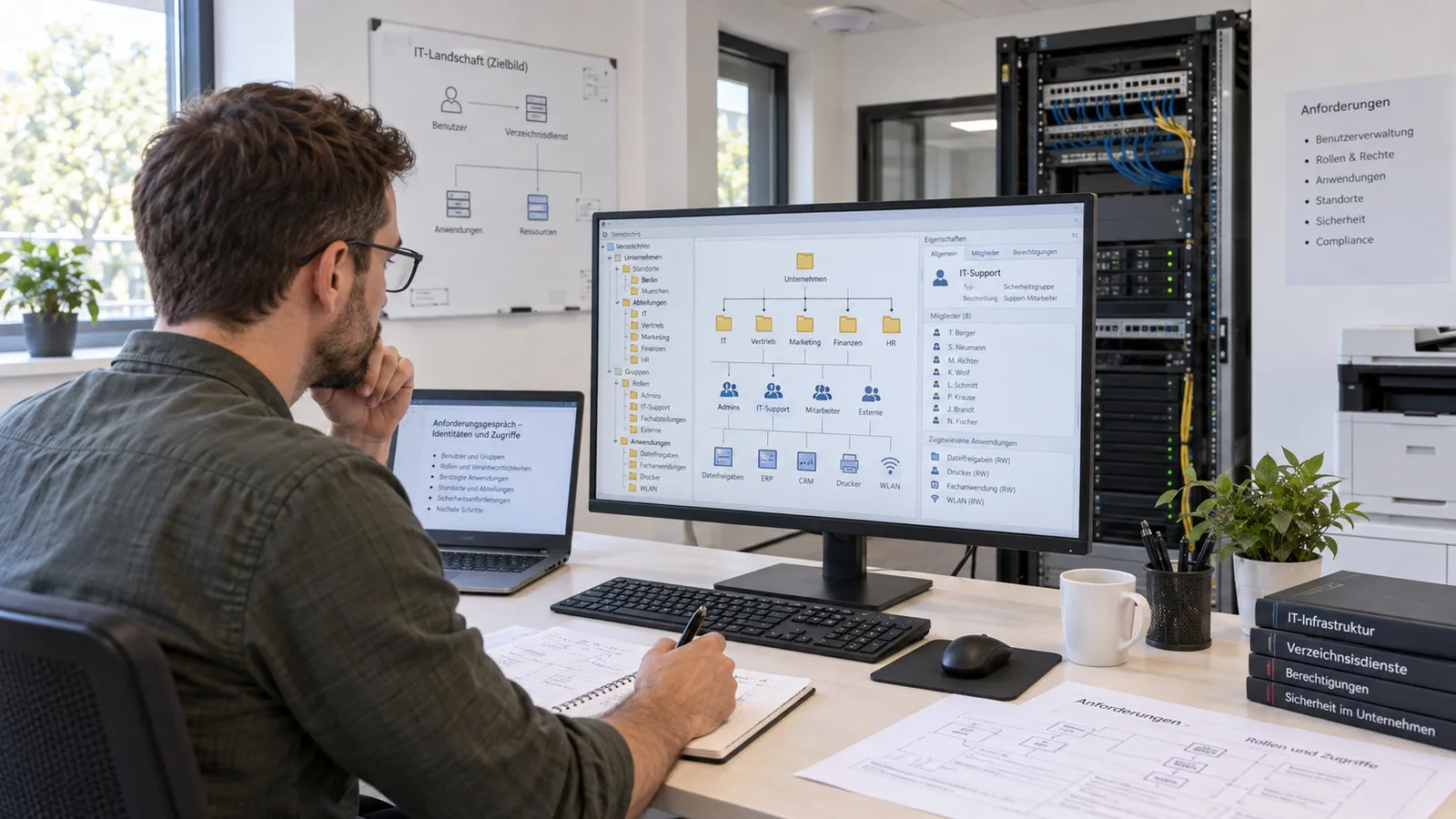
Plan identities
Directory services, roles and applications are defined in the requirements discussion.
 Ai
Ai2
Set up the directory service
Directory, roles and single sign-on connections are configured.
 Ai
Ai3
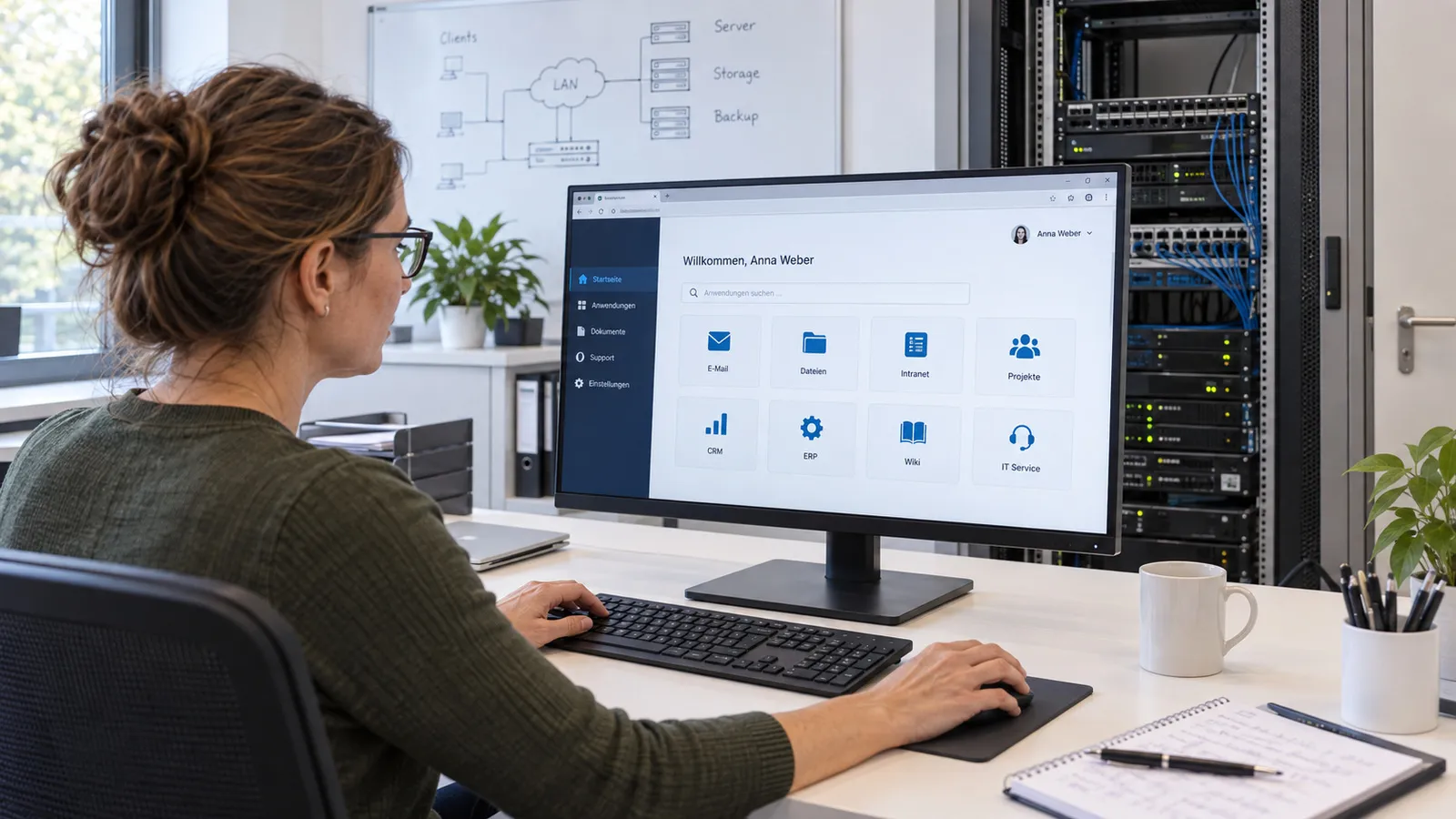
Use single sign-on
Employees sign in once and reach the connected applications.
 Ai
Ai4
Onboard employees
New people receive defined accounts and suitable permissions.
For environments with their own in-house directory service.
For Microsoft 365 and cloud environments.
For open identity management with single sign-on in your own applications.
IT/OT
Changes to servers and access often affect several systems at once.
A certified IT security auditor (TÜV) works in the team. Access rights and security evidence are therefore considered together. Dependencies, access paths and affected applications are therefore reviewed together before a change. The agreed procedure includes a maintenance window, the functional test and a documented way back. Ongoing support keeps configurations and responsibilities current, so that later extensions stay traceable as well.
We are glad to answer your detailed questions in a personal conversation.
The choice depends on your infrastructure and the applications to be connected.
Yes. Sign-in and permissions of AI systems can be connected to suitable identity services; we additionally define which content a role reaches.
We regulate service accounts and privileged accounts in the permission concept of your project.
Every industry has its particularities. That calls for a reliable partner who knows the requirements and delivers suitable solutions.
First conversation
Describe your task. We agree a date and discuss the possible project scope.
 Ai
Ai1
You request an appointment
 Ai
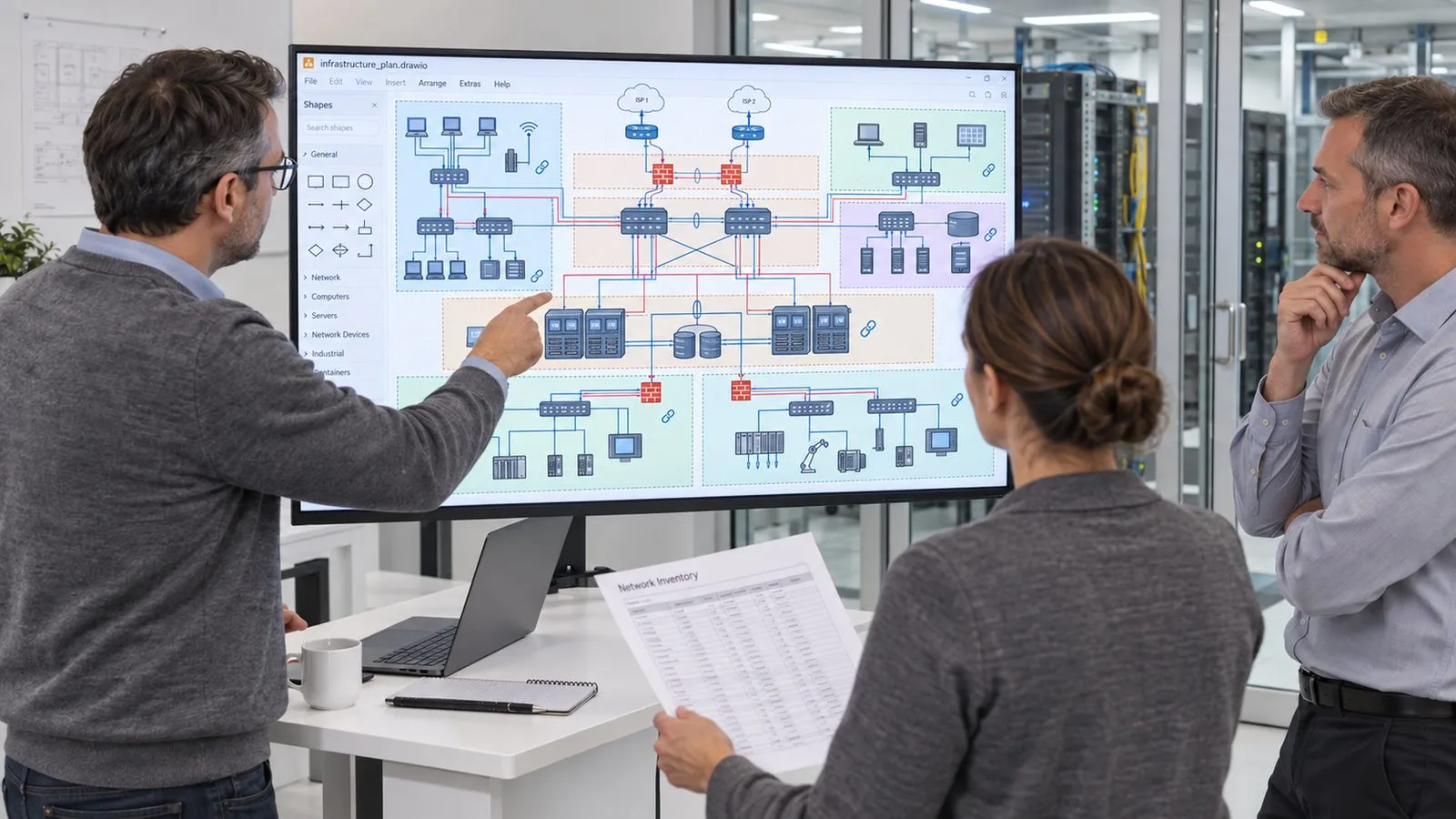
Ai2
We discuss your requirements
 Ai
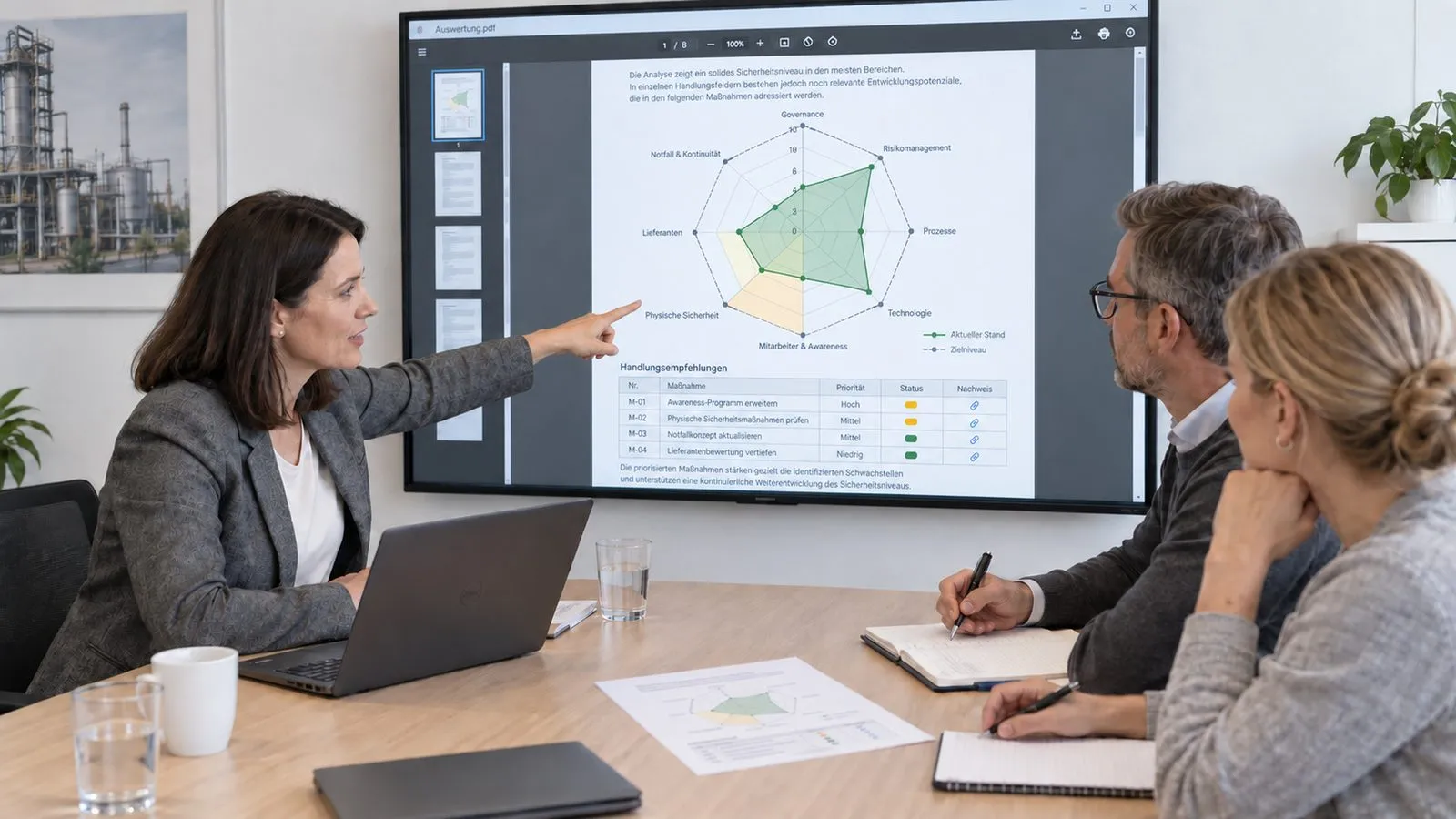
Ai3
You receive a quotation for the agreed scope

Describe your task in the contact form. We come back with a proposed date.
Arrange a first conversationBooking calendar
The booking calendar appears here. It loads only after your consent, because your browser connects to Microsoft in the process.
Discover further suitable services.
Limit external access to released systems, people and time windows.
Combine dashboards, administration and business functions in one usable browser application.
Make released information usable via a connected AI knowledge base.
